Video Editor for YouTube / Reels / Local Businesses
Home-based freelance work editing short videos, YouTube content, promos, and business clips.
Overview
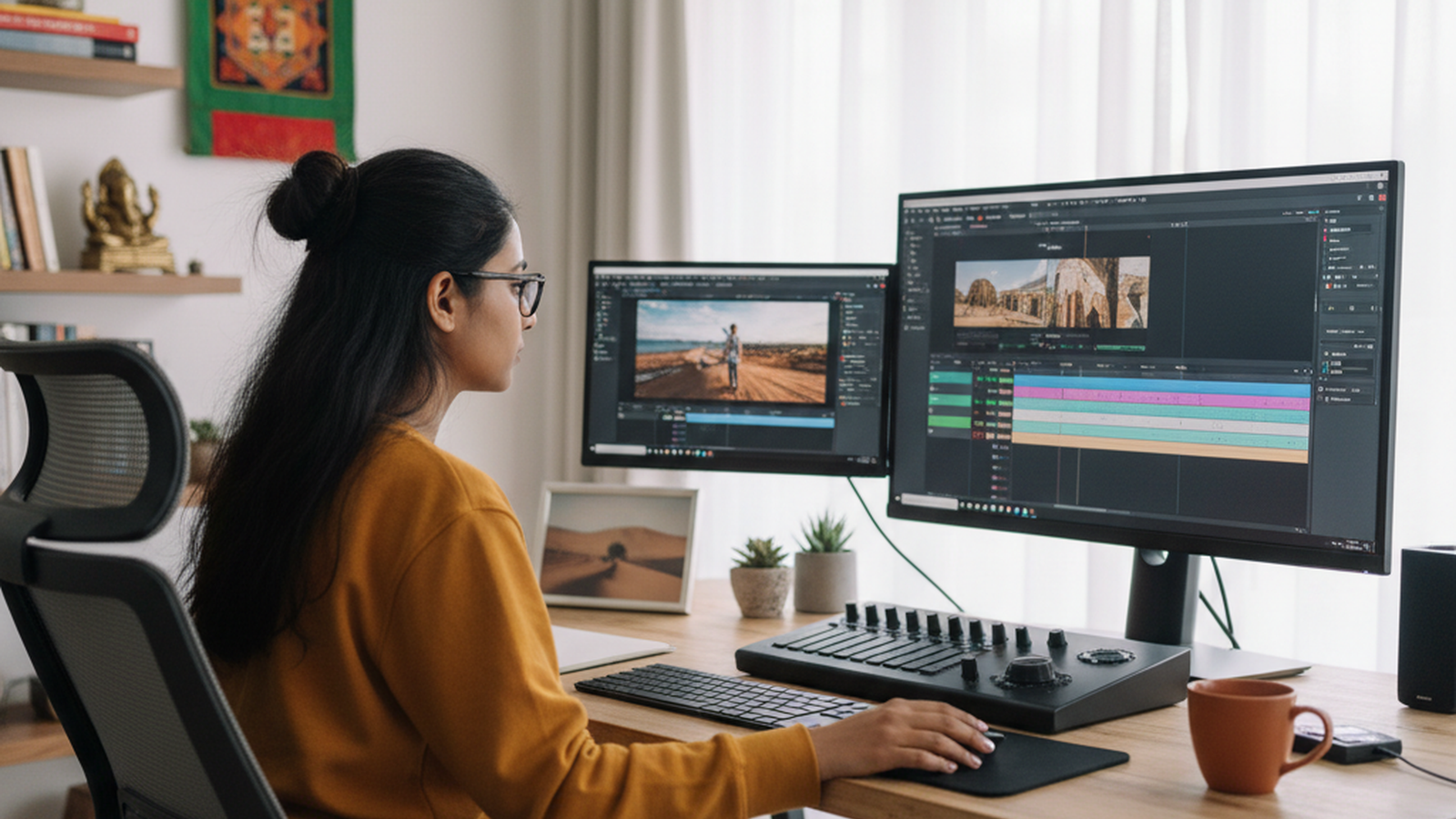
This opportunity involves editing YouTube videos, Instagram Reels, Shorts, promotional clips, event highlights, talking-head videos, local business ads, and social-media content. The work can include trimming, subtitles, transitions, music syncing, thumbnail coordination, short-form repurposing, and preparing videos in platform-ready formats for creators and businesses.
Who this is suitable for
Suitable for digitally comfortable youth and adults, creative freelancers, part-time workers, and home-based earners who can work with video tools and client revisions.
Who should avoid it
Not ideal for users who dislike computer-based creative work, long screen time, file handling, frequent revisions, or learning editing tools.
First Steps
-
Choose a clear starting editing niche
Begin with one or two formats such as reels editing, talking-head YouTube edits, business promo clips, subtitles, or short-form repurposing instead of trying every editing style at once. -
Build sample edits and a short portfolio
Create a few sample edits showing pacing, captions, cuts, music use, and platform-ready exports so clients can quickly understand your quality. -
Target creators and local businesses first
Approach YouTubers, coaches, tutors, clinics, restaurants, real estate agents, salons, and small brands that need regular video content but do not edit in-house. -
Set scope, file format, and revision terms clearly
Define video length, number of edits, subtitle needs, thumbnail support, turnaround time, revision count, and export format before starting work. -
Retain clients through consistency and speed
Reliable delivery, clean file naming, good pacing, accurate captions, and fast communication usually lead to repeat projects and referrals.
Risks and Challenges
-
Too many revisions without boundaries: If revision limits and scope are not defined, small projects can consume too much time and reduce actual earnings.
-
Weak editing quality or pacing: Poor cuts, weak subtitles, bad audio balance, or slow pacing can make clients feel the videos are not helping their content perform well.
-
Heavy file handling and deadline pressure: Video work can involve large files, repeated exports, urgent edits, and tight posting schedules, which may be stressful without a good workflow.
-
Underpricing time-intensive work: Many beginners forget to price subtitle work, motion edits, platform versions, audio cleanup, and revision time properly.
Practical Fit
Where It Works Best
Market Dependency:
Demand depends on growth in creators, YouTube channels, reels-based marketing, local business promotions, and content-heavy service providers.
How to Succeed
When you may start earning:
Often within 1 to 3 weeks
Success Tips:
Start with one editing style, build a short portfolio, keep delivery formats clear, and communicate revision limits early.
Common Mistakes to Avoid:
Taking too many revisions without scope, weak pacing, poor audio handling, and missing deadlines can quickly reduce client trust.